Form Filler: A Convenient Chrome Extension for Input Field Autofill
Form Filler is a free Chrome extension developed by sunilkumarc. It falls under the category of Browsers and is specifically classified as an Add-ons & Tools subcategory. As the name suggests, this extension aims to simplify the process of filling input fields on web pages.
Top Recommended Alternative

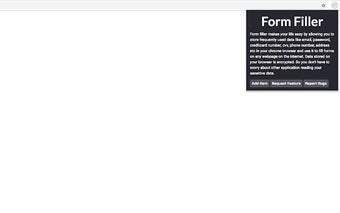
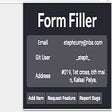
With Form Filler, users can store frequently used data such as email addresses, passwords, credit card numbers, CVV codes, and even social media usernames. These data items are securely encrypted and stored in the Chrome local storage, ensuring the privacy and security of the user's information.
The extension offers a user-friendly interface where users can easily add new key-value items, which can later be accessed by simply right-clicking on any input field on any web page. The comprehensive list of items allows users to quickly fill in the desired input field with just a few clicks.
In addition to adding and accessing items, users can also edit or delete existing key-value pairs with ease. However, it is important to note that Form Filler may not work on websites that have input fields within iframes due to security restrictions. The developer is actively working on finding a solution to this limitation.
While a free trial is not currently available for the extension, users can reach out to the developer at for any questions or concerns before making a purchase. Despite the absence of a trial, Form Filler offers a convenient solution for automating input field filling, enhancing browsing efficiency.